
1,599 words, 8 minutes read time.
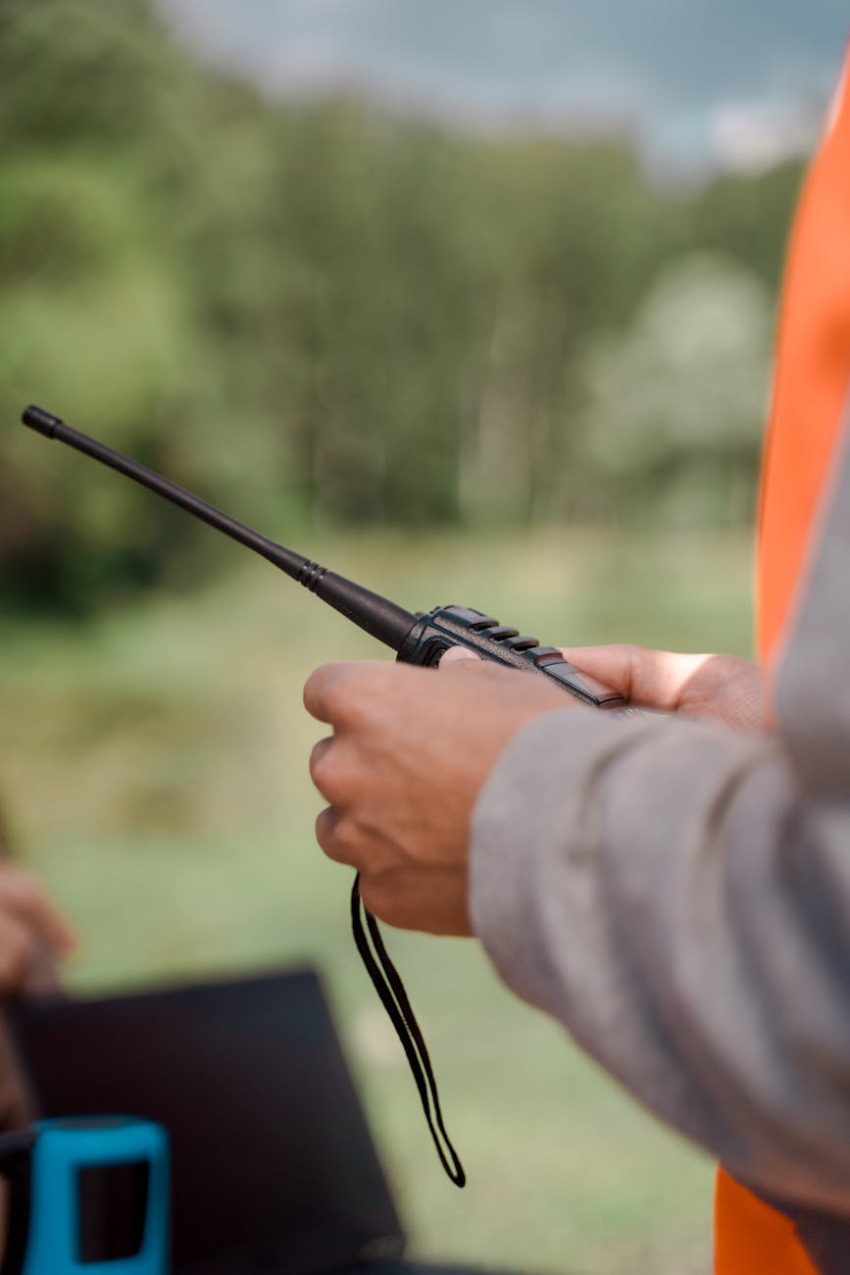
If you’re looking to get your amateur radio license and wondering how to enhance your skills before that big moment, you’re in the right place. One of the most powerful tools at your disposal is Echolink, a software application that links amateur radio operators around the globe via the internet. Whether you’re looking to practice communications, explore new technologies, or simply connect with other radio enthusiasts, Echolink offers a wealth of opportunities to prepare for your future as a licensed technician.
In this article, we’ll explore exactly what Echolink is, how it works, and why technicians should incorporate it into their journey toward obtaining an amateur radio license. We’ll also look at how Echolink can help you practice your radio skills, connect with other operators, and gain hands-on experience—all from the comfort of your home or anywhere you can get an internet connection.
What Is Echolink?
Echolink is an innovative communication tool that allows licensed amateur radio operators to connect with each other using the internet. It provides a virtual platform for radio operators to communicate by linking their personal computers, smartphones, and even radios to one another, essentially extending the reach of radio systems beyond their physical range.
The system was created to bridge the gap between traditional radio frequencies and the internet. While regular amateur radio communications are limited by the radio waves’ range and the power of the transmitter, Echolink allows operators to communicate over virtually any distance, as long as both parties are connected to the internet. It achieves this by linking amateur radio repeaters, individual nodes, and even personal devices such as laptops and smartphones.
In simpler terms, Echolink offers a digital bridge to connect two-way radios around the world, making it an incredibly useful tool for amateur radio operators looking to expand their communication networks. The system works by using a standard radio repeater or a simplex node and combining that with a voice-over IP (VoIP) connection, which transmits signals over the internet.
Why Should Technicians Use Echolink?
Echolink presents a unique opportunity for technicians—those seeking to earn their first amateur radio license—to practice and hone their skills without needing extensive hardware or the ideal conditions to operate traditional radios. Here’s why you should consider using Echolink in your technician journey:
1. Access to Global Communication
Unlike traditional ham radio, which is bound by range and antenna limitations, Echolink opens up the world of communication. Using Echolink, you can easily connect with fellow amateur radio operators from different continents, practice your communication skills, and gain firsthand experience of how global networks operate. No longer are you restricted to your local area or the range of your radio transmitter; instead, you can reach out and engage with operators around the globe, expanding your experience and exposure.
As ARRL explains, “Echolink brings together individuals from all corners of the earth, creating a connected community of amateur radio operators” (ARRL, 2021). This community not only lets you practice speaking and listening in real-world conditions, but it also opens doors to the potential for collaboration and learning with operators who are experienced and well-versed in radio technologies.
2. Learning Without the Need for Expensive Equipment
For many aspiring technicians, the initial costs associated with buying ham radio gear can be prohibitive. Traditional ham radio setups require costly equipment, including radios, antennas, and power supplies. However, with Echolink, you can connect using your computer or smartphone, which significantly lowers the barrier to entry. You don’t need to spend a fortune on hardware; the software does the heavy lifting. Plus, many ham radio clubs and repeaters offer free or low-cost access to Echolink, allowing you to practice without any financial commitments.
The fact that Echolink operates on commonly used devices like personal computers and smartphones allows you to immediately start practicing and communicating with other amateur radio operators before investing in your own radio gear. You’re essentially putting your technician skills to work in the field, even if you’re still in the early stages of getting licensed.
3. Hands-On Experience for License Preparation
One of the most significant advantages of Echolink is the way it prepares you for the real-world demands of amateur radio operations. As you prepare for your technician license, it’s essential to practice your operating skills, learn proper communication etiquette, and understand how the system works. Echolink lets you practice real-time communication without the pressure of managing a full radio station setup.
For example, the ARRL notes that Echolink provides a “unique training tool for hams,” allowing you to “gain experience in both voice and digital modes” (ARRL, 2021). This is a vital skill for technicians who will need to operate under varying conditions once they obtain their license.
Additionally, many Echolink users are more than willing to offer advice, share their experiences, and mentor newcomers. This makes Echolink an excellent platform for you to ask questions, engage in meaningful conversations, and expand your knowledge base in the field of amateur radio.
4. A Gateway to More Advanced Communications
Once you start mastering the basics through Echolink, you’ll be in a better position to understand more complex aspects of amateur radio. The experience gained through the digital interface of Echolink will provide you with a solid foundation that you can build upon as you move forward in your licensing journey. Echolink allows you to explore various facets of amateur radio, such as frequency management, digital communication modes, and even satellite communications.
Echolink essentially acts as a stepping stone that can lead to more sophisticated ham radio operations once you’ve received your technician license. It’s a flexible platform that grows with you, enabling you to gradually take on more advanced communication methods and understand the larger scope of the ham radio community.
How to Set Up and Use Echolink
The setup process for Echolink is straightforward, especially for those who are familiar with computers or smartphones. To get started, you’ll need to download the Echolink software, which is available for both Windows and Mac computers, as well as for iOS and Android devices. Once you’ve installed the software, you’ll need to create an Echolink account, which requires you to have an amateur radio call sign. If you’re not yet licensed, many systems allow you to use Echolink in a limited capacity for practice while you work toward your license.
To connect to the Echolink network, you simply log into the software, select a node (which represents a radio or repeater), and begin making connections with other operators. It’s a simple, intuitive process that doesn’t require a lot of technical know-how but gives you a feel for how real-world amateur radio communication works.
Once set up, you can start interacting with other amateur radio operators and participate in various nets, or you can simply use Echolink for one-on-one conversations to practice your communication techniques. The platform also allows you to search for specific nodes based on geography, repeater types, or operating frequencies, making it easy to find other users to communicate with.
How Echolink Can Help Technicians Master Their Skills
For aspiring technicians, Echolink is an invaluable tool in preparing for an amateur radio license. Let’s take a closer look at how you can benefit from using the platform:
- Practice Communication Skills: As a technician, one of the most important skills you’ll need is clear, concise communication. Using Echolink, you can practice your speaking and listening skills, interact with other operators, and refine your ability to transmit messages effectively.
- Learn Radio Etiquette: Amateur radio operates with a distinct set of rules and etiquette, including how to use phonetics, how to share the airwaves, and how to follow communication protocols. With Echolink, you can learn these practices in a supportive environment before using them on traditional radio systems.
- Understand Frequency Operations: Echolink also helps you understand how frequencies work, how to tune into the correct frequencies, and how to engage in effective communications across different bands.
- Interact with Experienced Operators: Through Echolink, you can network with experienced amateur radio operators who can offer mentorship and guidance as you prepare for your technician license.
Conclusion
Echolink is a powerful, flexible tool that aspiring technicians can use to enhance their understanding of amateur radio operations. Whether you’re looking to practice, learn from others, or simply familiarize yourself with the technology, Echolink provides the perfect platform for doing so. It breaks down the barriers between traditional radio communication and modern internet-based systems, offering technicians the chance to gain practical experience without the high cost or equipment restrictions of traditional radio setups.
For those looking to get their amateur radio license, Echolink offers a valuable opportunity to develop the skills and knowledge needed to succeed in the world of amateur radio. By practicing with Echolink, you’ll build the foundational skills necessary for your future in the radio community, giving you a head start on your journey to becoming a licensed amateur radio operator.

Sources
- Echolink Official Website
- ARRL – Echolink Overview
- Ham Radio Exam – Echolink Guide
- QRZ – Echolink Information
- eHam – Echolink Review
- ARRL – Technician License Resources
- Amateur Radio – Echolink Resources
- Ham Radio 101 – What Is Echolink?
- Amateur Radio Wiki – Echolink
- QSO America – Echolink for Beginners
- Ham Universe – Echolink Setup
- Repeater Builder – Echolink FAQ
- Arlington Amateur Radio Club – Echolink and HF Radio
- American Radio History – Radio News (Nov 1976)
Disclaimer:
The views and opinions expressed in this post are solely those of the author. The information provided is based on personal research, experience, and understanding of the subject matter at the time of writing. Readers should consult relevant experts or authorities for specific guidance related to their unique situations.