
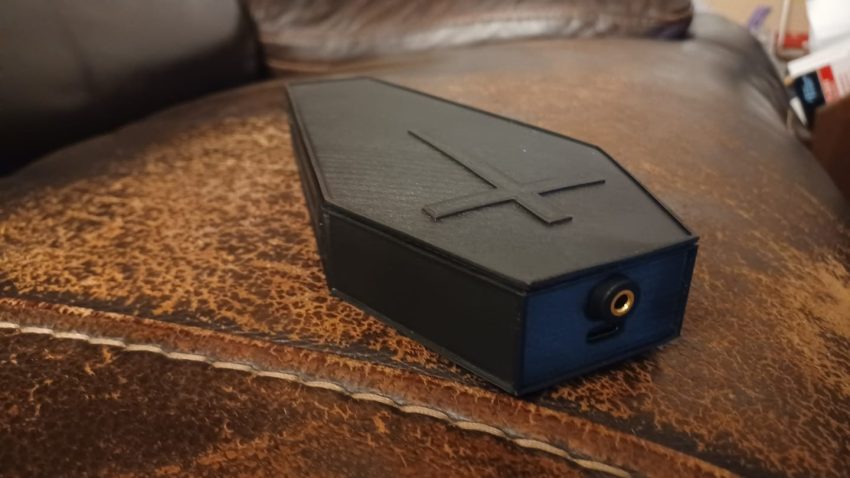
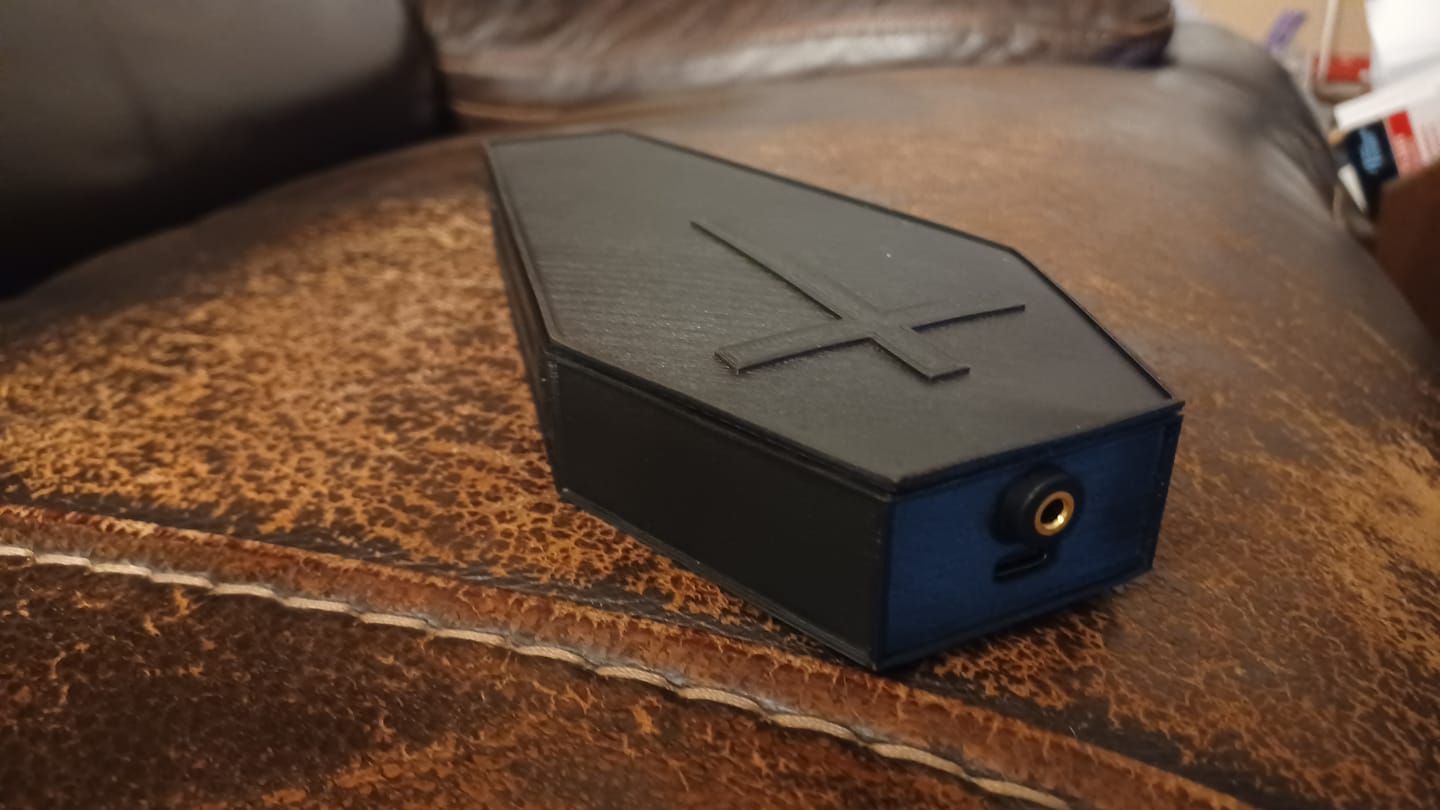
I was contacted by a friend of mine asking if I knew of an automatic way to have background music begin at the same time as his Halloween display. His Halloween display is on a timer, however the background music he uses doesn’t automatically start up. The requirements for this project are:
- Automatically start playing music when device is powered.
- After the 1 hour background music is complete replay the single track in the memory.
- I thought it would be a great idea if the device had a Halloween theme to it; so, I thought an old-west style coffin design would make a great project box.
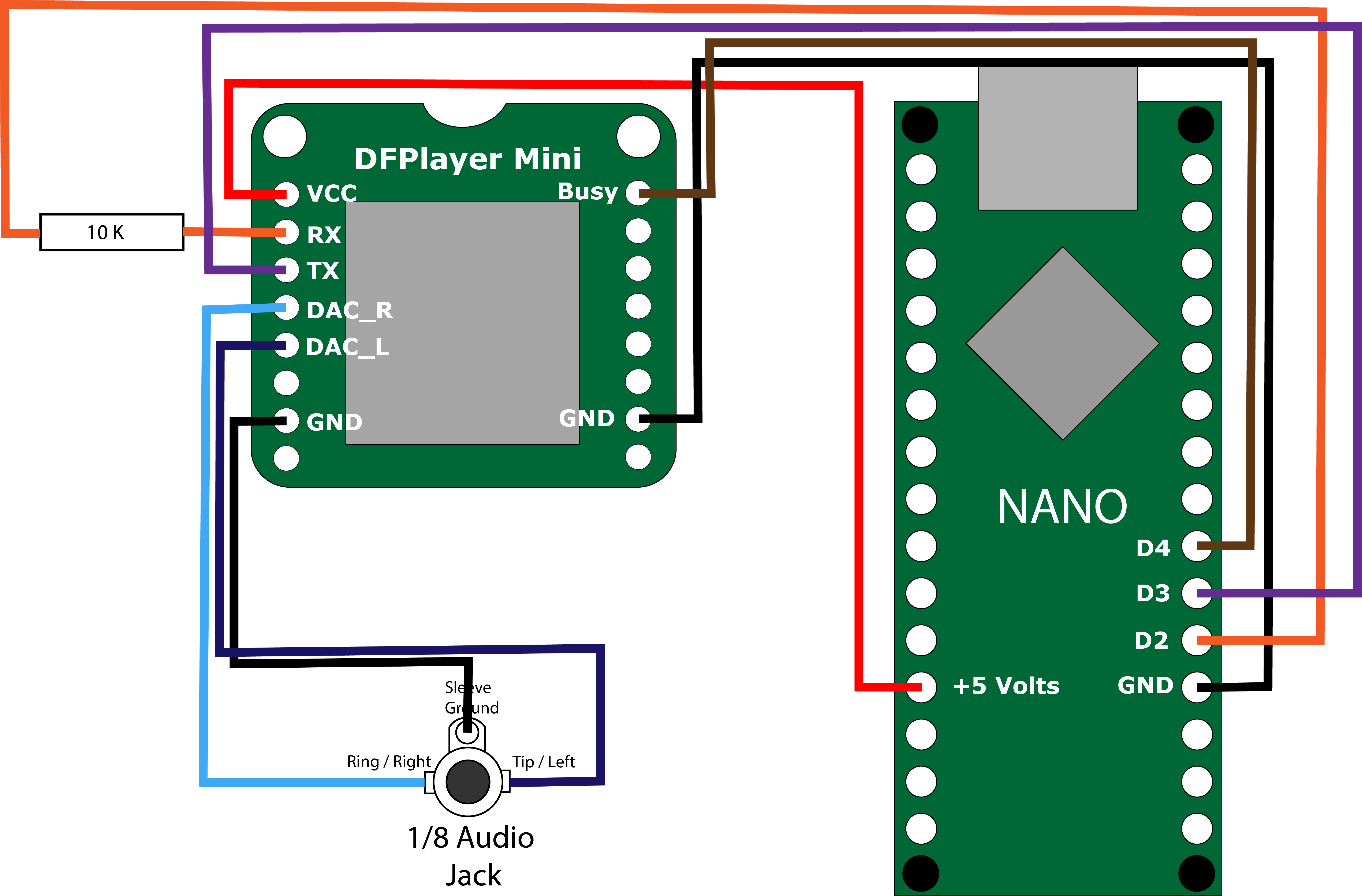
I thought this was a perfect application of an Arduino and the DFplayer Mini / Pro. I had planned to use the DFPlayer Pro, for this project; however being inexperienced at soldiering, I damaged the connections on the MP3 player. I had a couple of the DFPlayer Mini on hand, so I soldiered to directly to the header pins. I guess the ideal method would to use a PCB board to make the connections from the Arduino Nano and the MP3.
Parts List
- $ 8.49 -> Canamaker Nano C for Arduino
- $ 5.90 -> DFRobot’s DFPlayer Mini
- $ 5.99 -> Ximimark 4Pcs 3.5MM Audio Video Jack Socket Stereo Solder Panel Mount Jack
- $20.66 -> DURAMIC 3D PLA Plus Printing Filament (I had this on-hand)
- Miscellaneous screws, wire, Soldier, etc that I have on-hand.
I am estimating that I will have about $25.00 total in this MP3 player when complete.
Connection Diagram
Arduino Programming
The specs of this project is to play one sound track, which is an hour long, over and over. Therefore, we only need to call the first mp3 stored in the DFPlayer Pro’s Memory. The first version of the programming didn’t wait long enough from the DFplayer to completely boot up. I added a 3 second wait in the setup to give the board time finish the boot cycle.
/*
 *@file: DFPlayerPro.ino
 *@brief: Plays a single, 1 hour long MP3 Over and Over for background sound for a Halloween display
 *@licence:Free to Use
 *@author Bryan King (bdking71@gmail.com)
 *@version  202109241830
*/

#include "Arduino.h"
#include "SoftwareSerial.h"
#include "DFRobotDFPlayerMini.h"
int busyPin = 4;

SoftwareSerial mySoftwareSerial(3, 2); // RX, TX
DFRobotDFPlayerMini myDFPlayer;

void setup()
{
  digitalWrite(LED_BUILTIN, HIGH);
  delay(3000);
  digitalWrite(LED_BUILTIN, LOW);
  mySoftwareSerial.begin(9600);

  Serial.begin(9600);
  Serial.println();
  Serial.println(F("DFRobot DFPlayer Mini Demo"));
  Serial.println(F("Initializing DFPlayer ..."));

  if (!myDFPlayer.begin(mySoftwareSerial)) {
    digitalWrite(LED_BUILTIN, HIGH);
    Serial.println(F("Unable to Initialize the DFPlayer Mini MP3 Player: "));
    Serial.println(F("Please recheck the connections or the insert the SD card."));
    while(true){
      delay(0);
    }
  }
  Serial.println(F("DFPlayer Mini Online."));
  myDFPlayer.volume(15);
  myDFPlayer.play(1);
  delay(3000);
}

void loop()
{
  if (digitalRead(busyPin) == 1) {
    myDFPlayer.play(1);
    Serial.println(F("Playing the spooky mp3."));
    delay(3000);
  } else {
    delay(15000);
    Serial.println(F("Player is busy playing the spooky mp3, delaying for 15 seconds"));
  }
}
Project Case
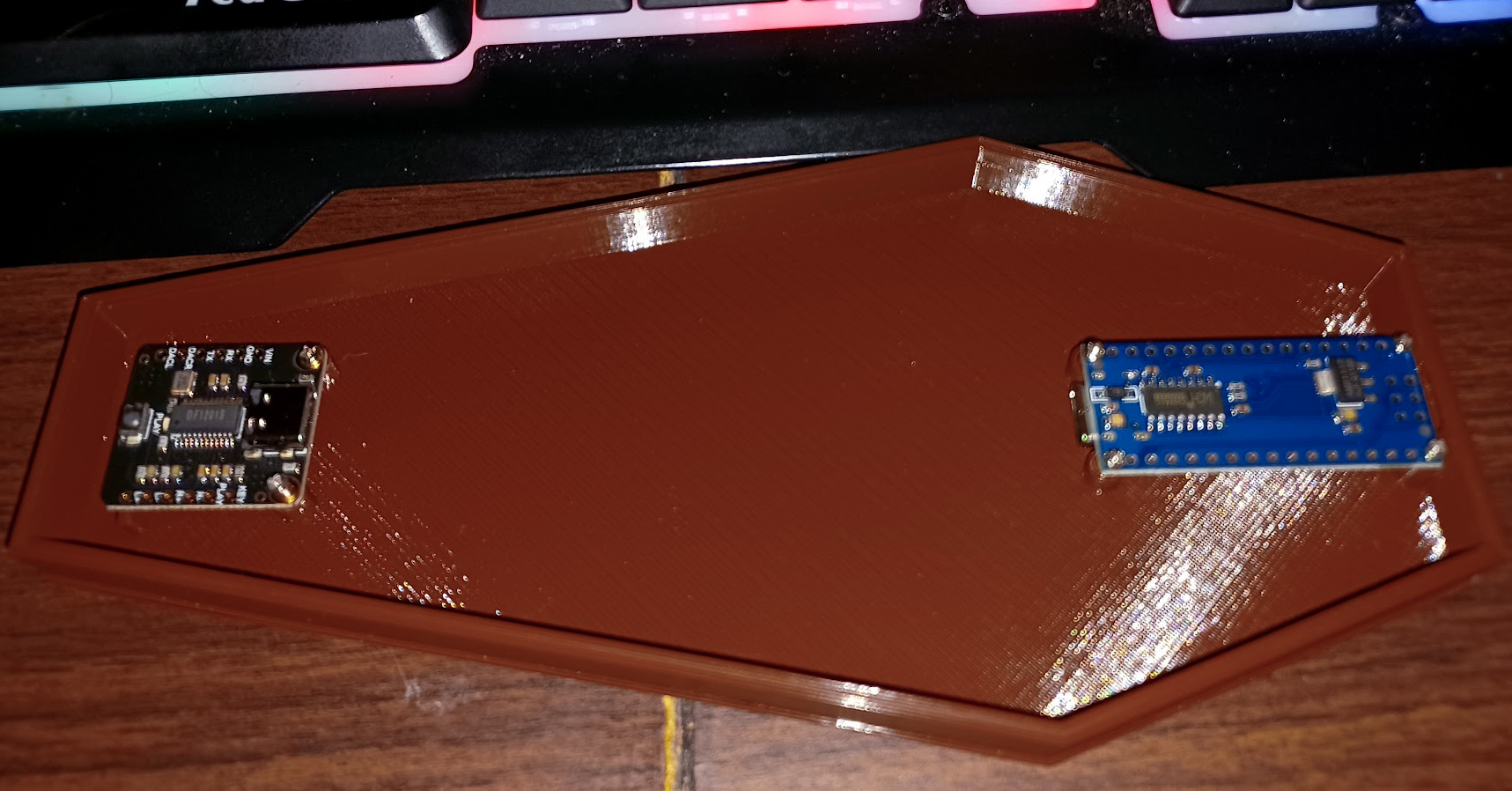
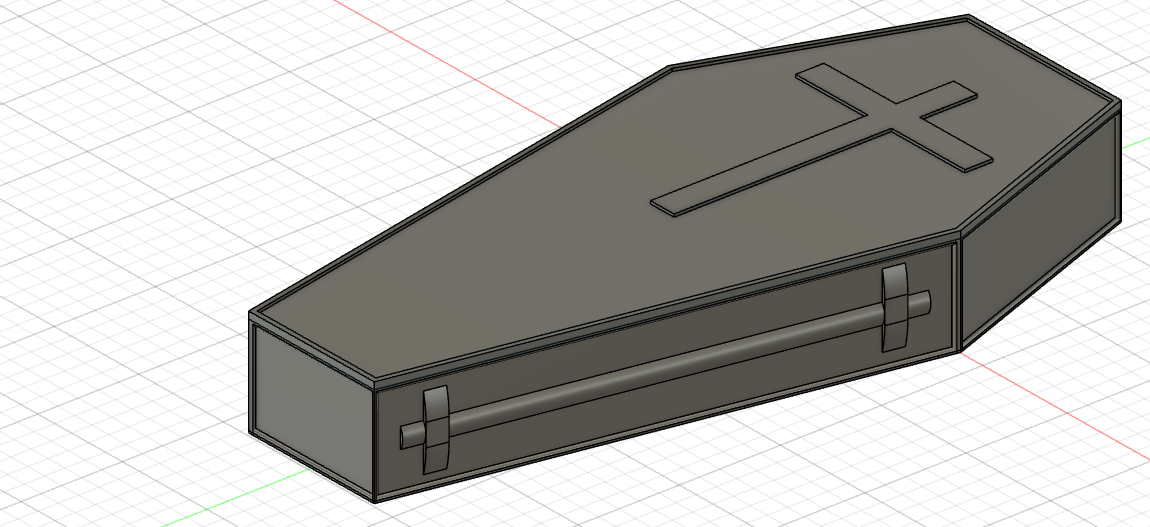
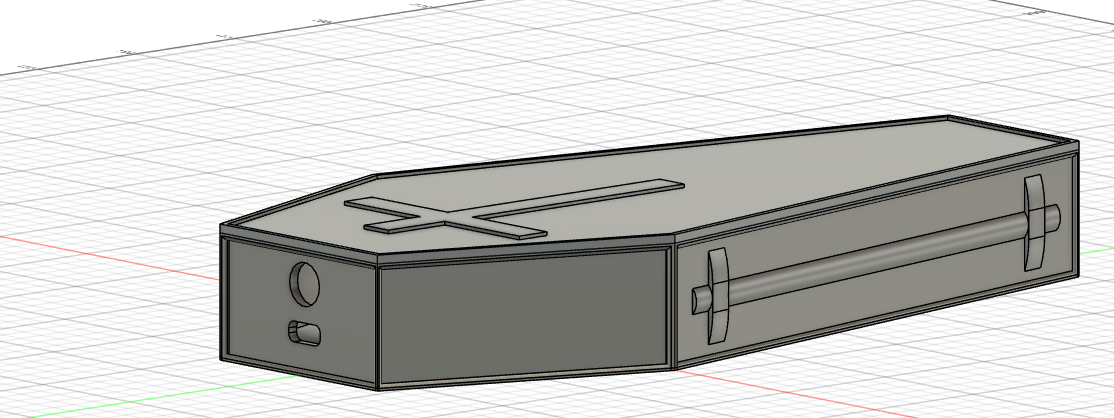
I designed an Old West style coffin in Autodesk Fusion 360. The first version of the the “Coffin” case worked out better than I had planned. The through-hole for the USB C Port on the Arduino was a bit off and a bit to small. I initially had made this project for the DFPlayer Pro board, but as I mention before, I made a mess of the connections trying to soldier the two board together. I made a couple of changes an reprinted the test case.
Photos
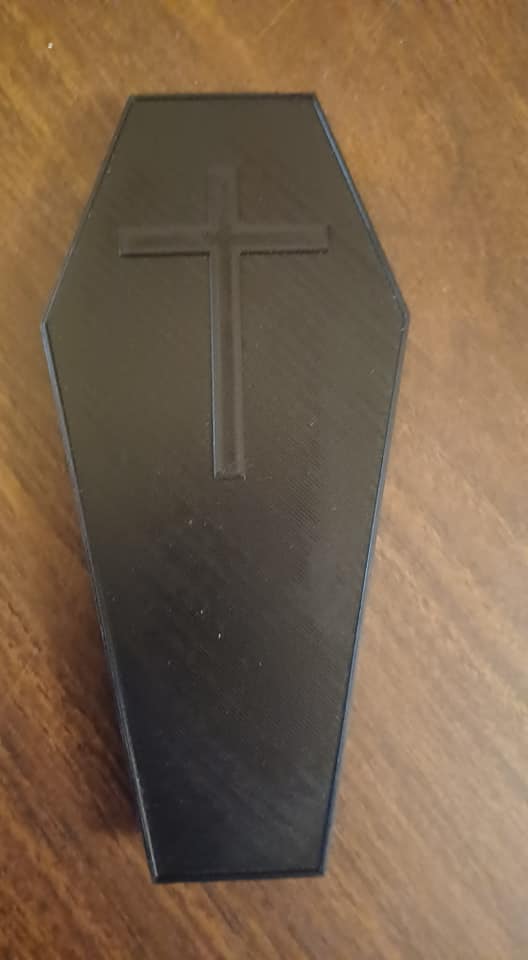
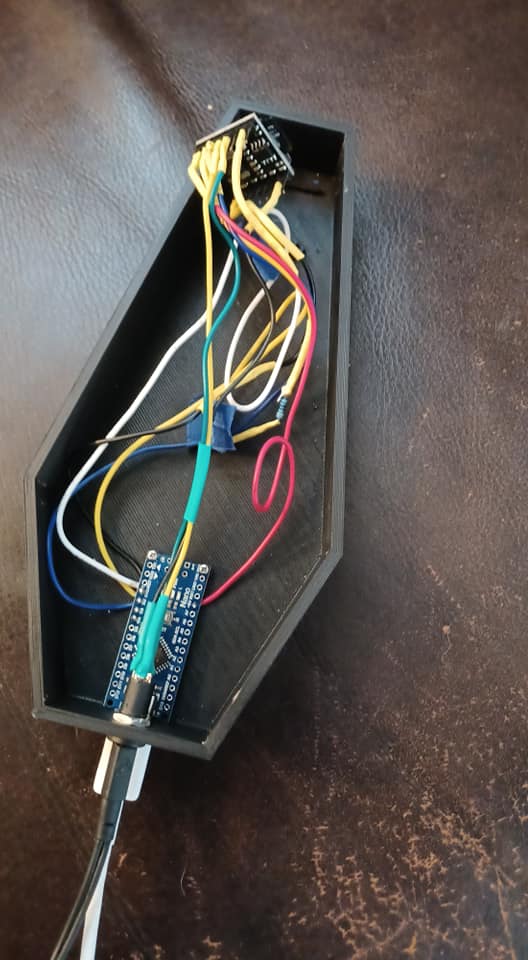
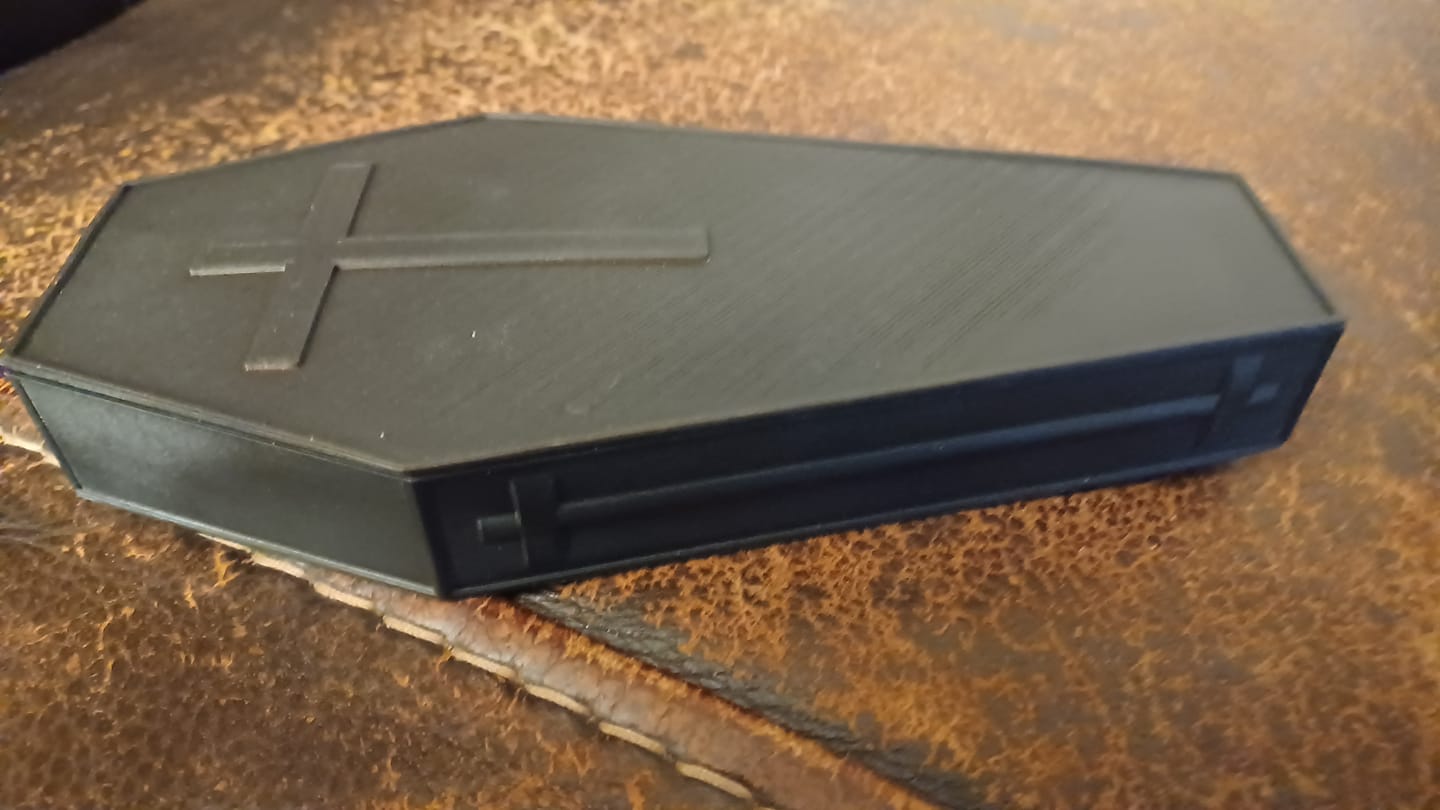
This project was a mix of design, electronics, and programming. I learned some valuable lessons on this project, and it was fun. Yes, I messed up a couple of boards, but learning good techniques on soldier and increasing my skills with Fusion 360 made the project worth it.