
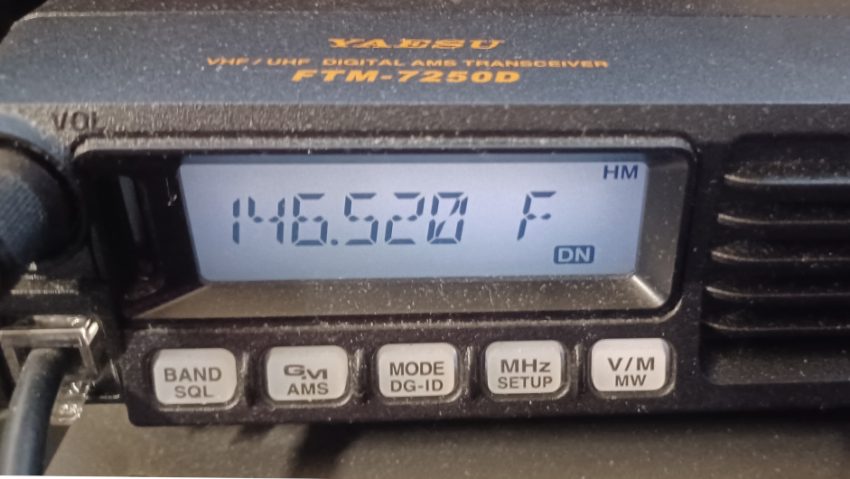
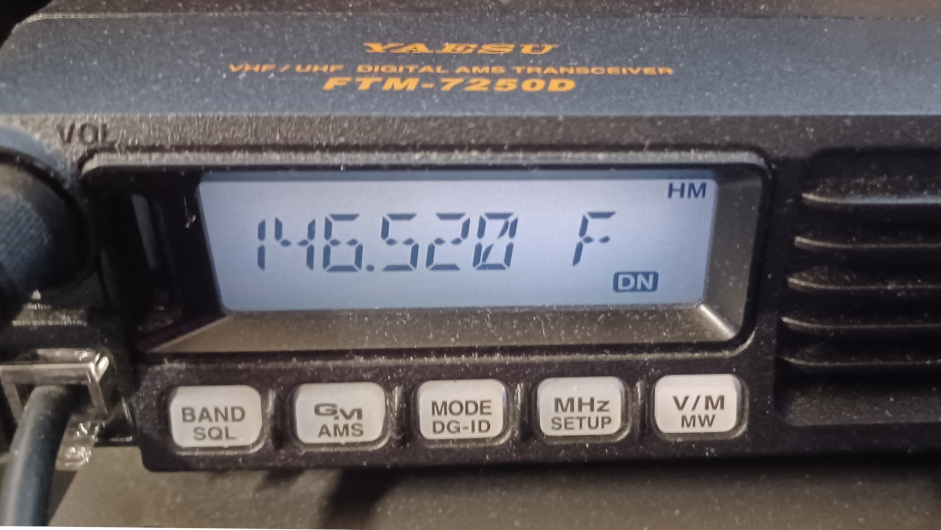
Deleting memory locations on your Yaesu FTM-7250 radio is a straightforward process. Follow these simple steps to free up space and keep your radio’s memory organized.
- Enter MR Mode:
- Hold the “V/M” button until the radio enters MR Mode. You’ll notice the MR and the number blinking on the display.
- Select the Memory Location:
- Use the tuning knob to scroll to the memory location (MR) you wish to delete.
- Initiate Deletion:
- Press and hold the “Band/SQL” button until “MS Memory?” appears on the LCD screen.
- Confirm Deletion:
- Press the “Band/SQL” button once more to confirm and delete the selected memory location.
By following these steps, you can easily manage and organize the memory locations on your Yaesu FTM-7250 radio. Keep your radio’s memory clutter-free and ensure that only the necessary channels are stored for quick access.